Export from Oracle Application not save


Comments by Rana Muhammad Junaid:
Enable download option in internet explorer tools-internet options-security for both internet and intranet. And disable popup blocker if it is on. This should resolve this issue permanently and should be able to download without ctrl key.
Currently uses:
Oracle Enterprise Linux 5.5
Database 11gR2
Oracle EBS Application R12
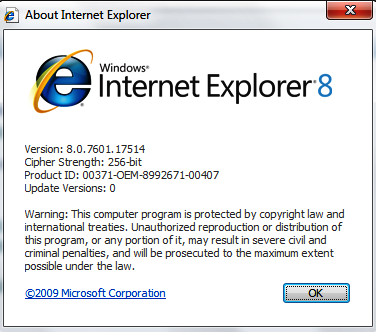
IE 8 Windows 7
Description:
I am facing the problem while exporting data from Oracle Application form, export file did not save or I did not found where it save:

Solution:
Solution is very simple, just hold CTRL key while export now you have the option to save the export file where you want and in desired format:

Your comments, especially which will help us improve the functionality, will be greatly appreciated :)
Comments by Rana Muhammad Junaid:
Enable download option in internet explorer tools-internet options-security for both internet and intranet. And disable popup blocker if it is on. This should resolve this issue permanently and should be able to download without ctrl key.